 Casevoya
Every page of Casevoya, shown and explained.
34 narrated walkthroughs with chapters and transcripts, 34 with written guides, all with annotated screens. Search any word you heard.
Popular: Your public booking page Clients and the portal Service agreements and signing Finance, invoices and payments
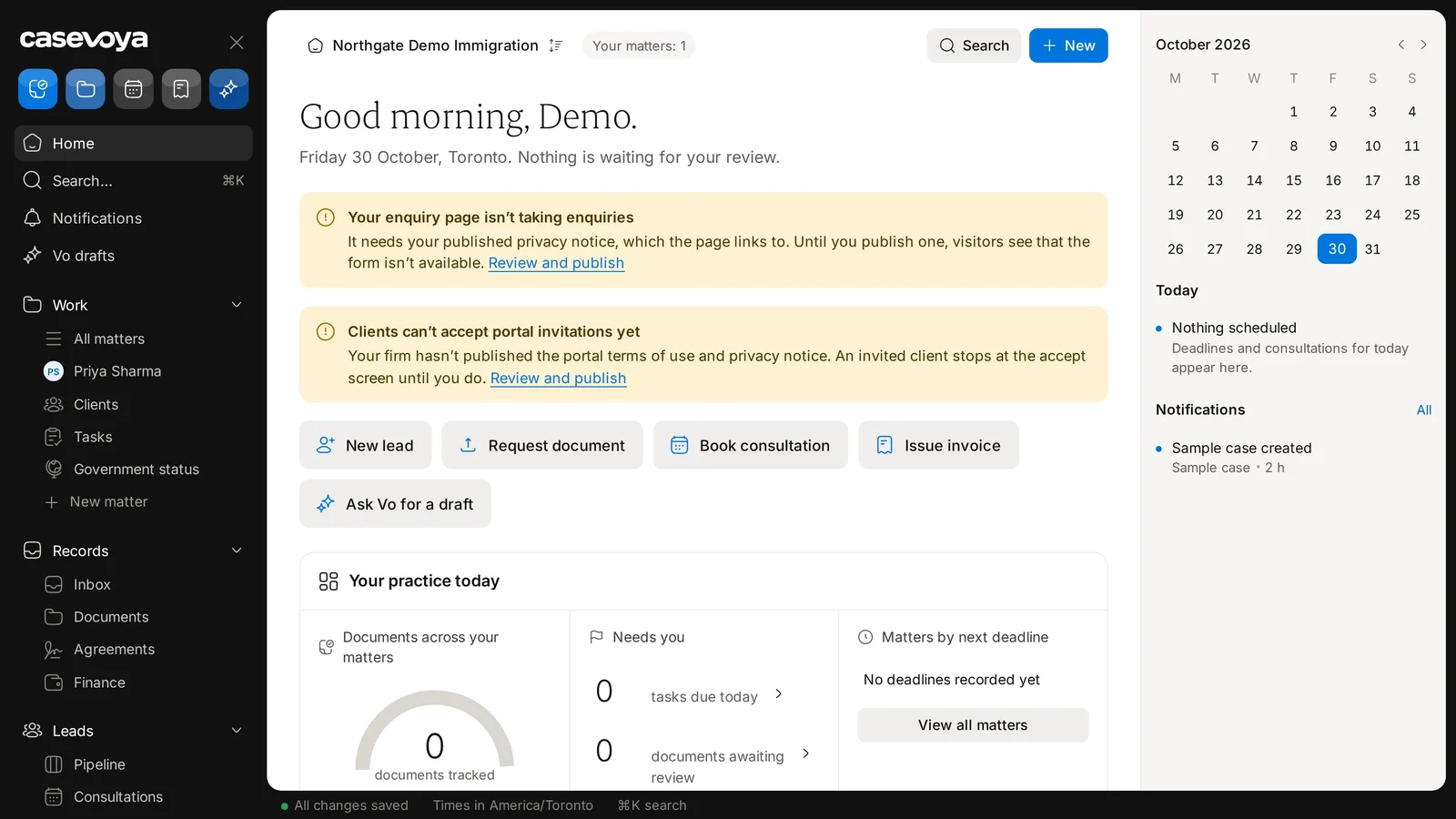
Start here · 1:26A tour of your Home screen
Getting started
Open your workspace, prove your licence and bring your team in.
 1:01Start a trial and turn on two-step sign-in7 chapters·1 written guide
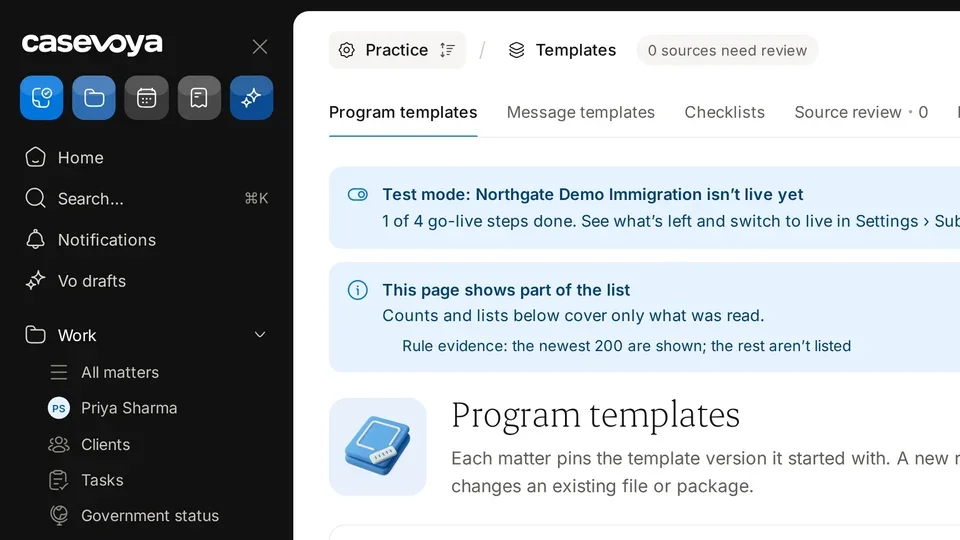
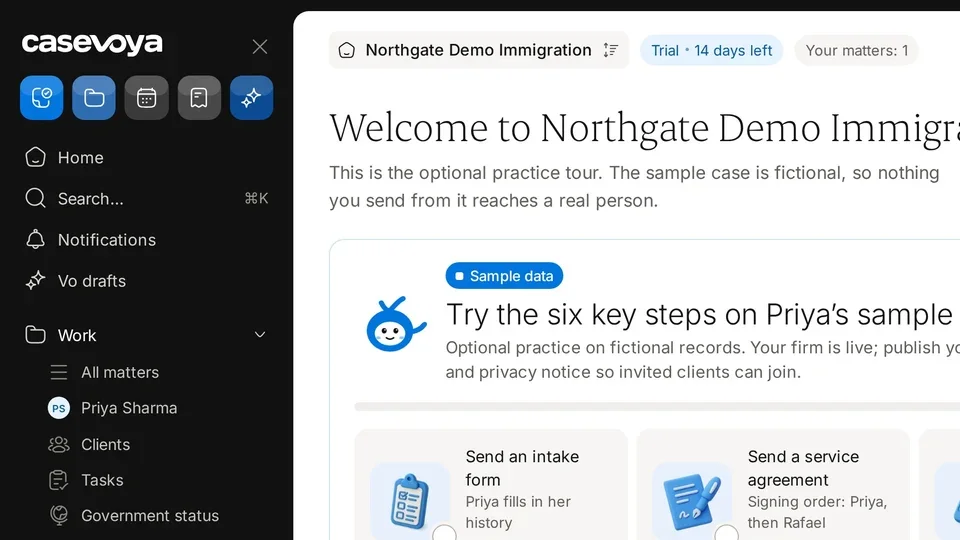 1:10Practise safely in sample mode8 chapters·1 written guide
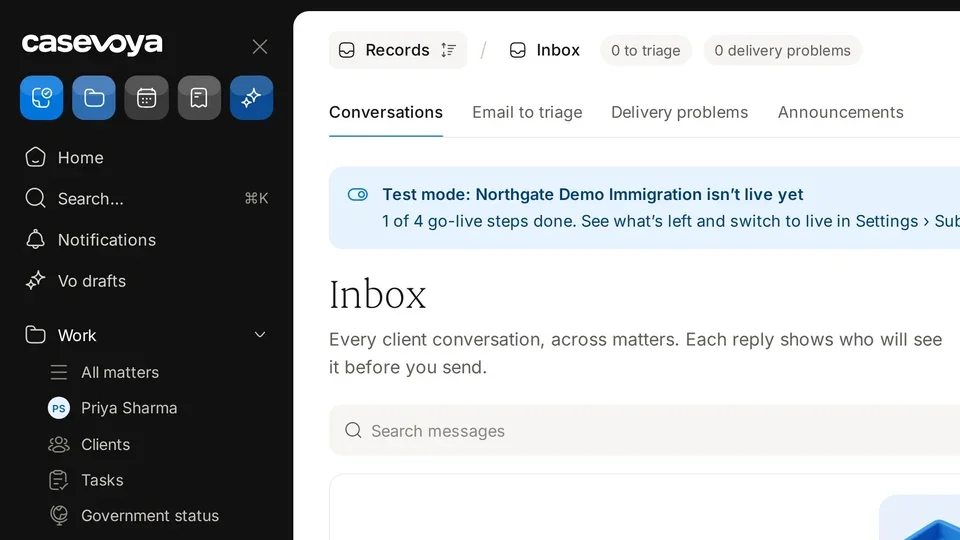
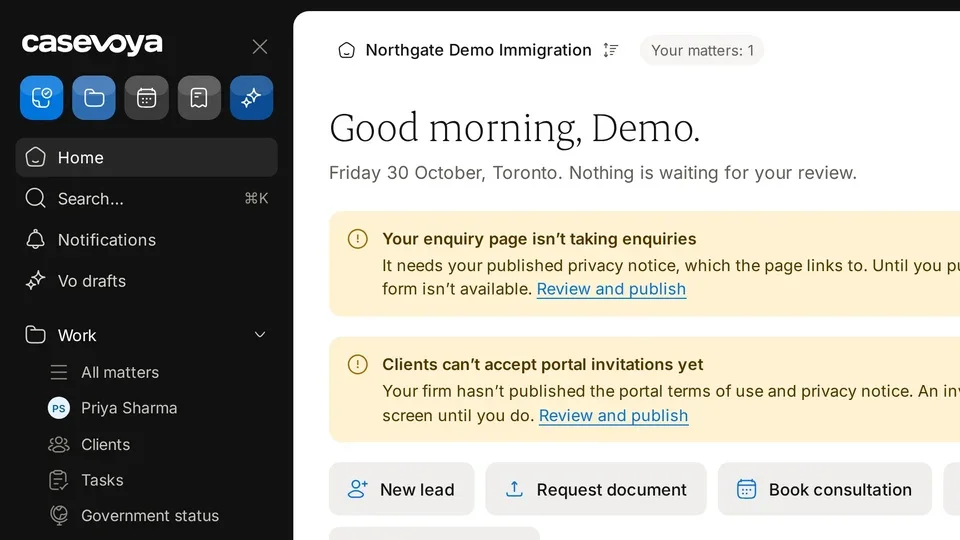 1:26Your Home screen9 chapters·1 written guide
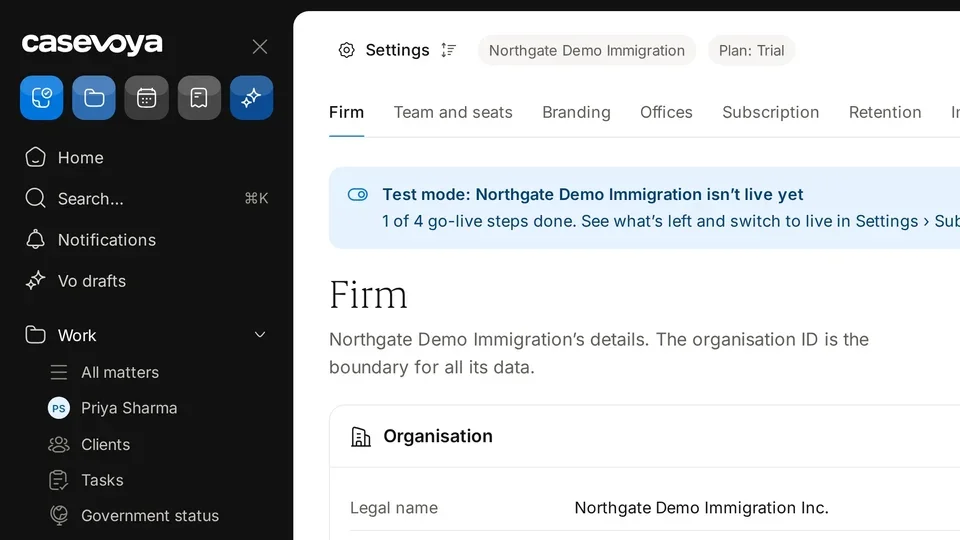 1:18Firm settings and branding10 chapters·2 written guides
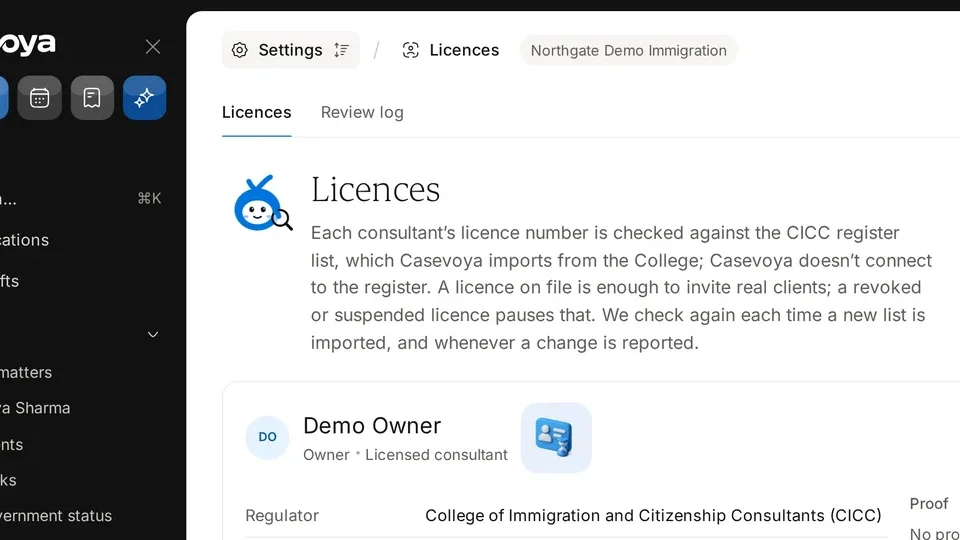 1:24Licences and CICC checks9 chapters·1 written guide
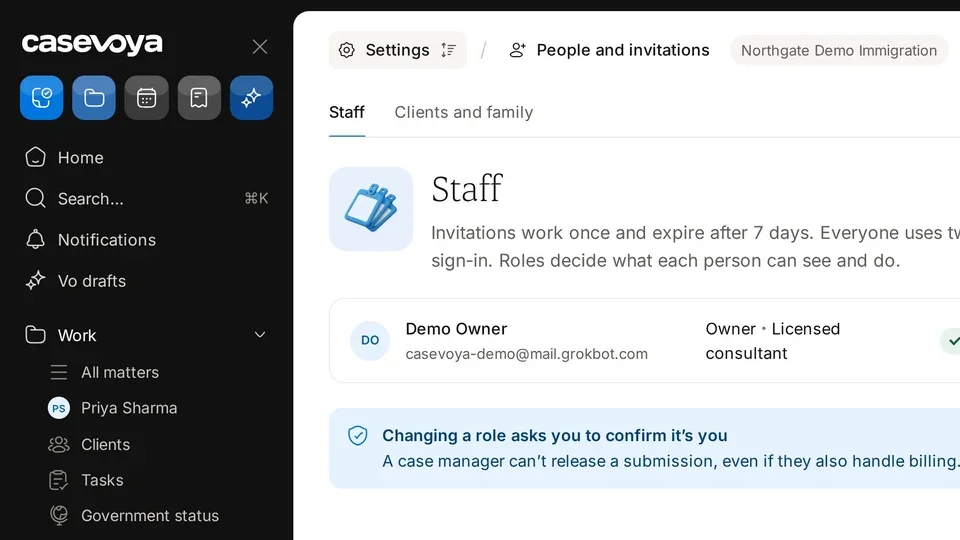 1:18Invite your staff10 chapters·1 written guide
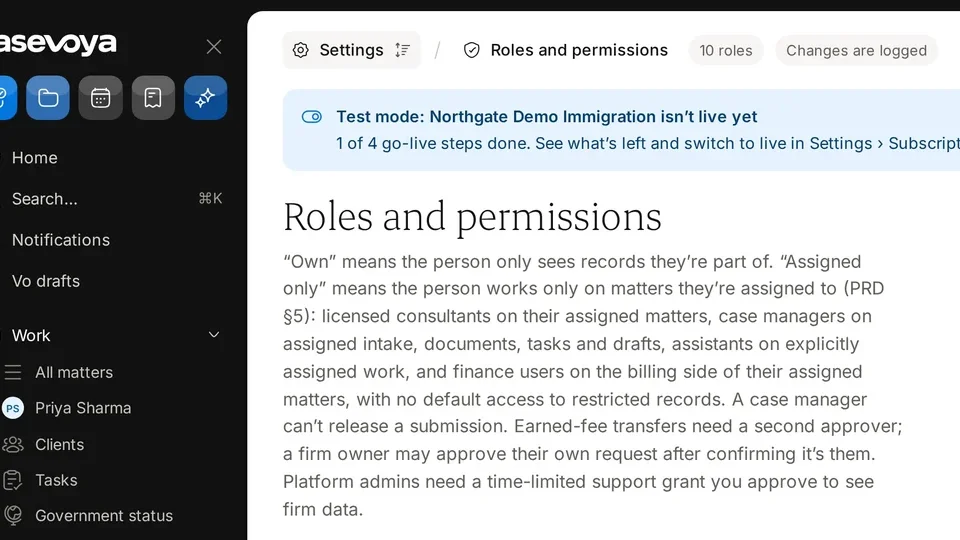 1:10Roles and permissions9 chapters·1 written guide
Leads and bookings
From the first enquiry to a booked consultation.
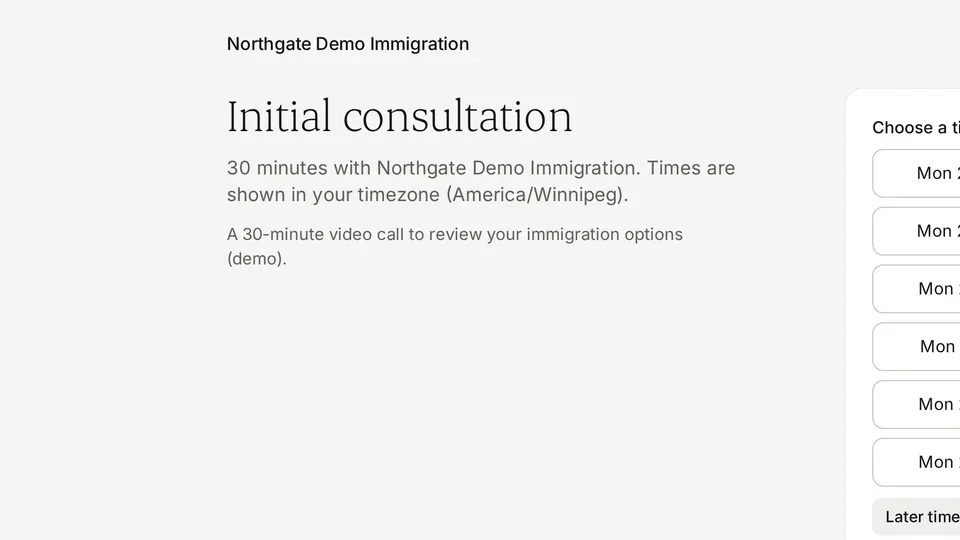 1:15Your public booking page10 chapters·1 written guide
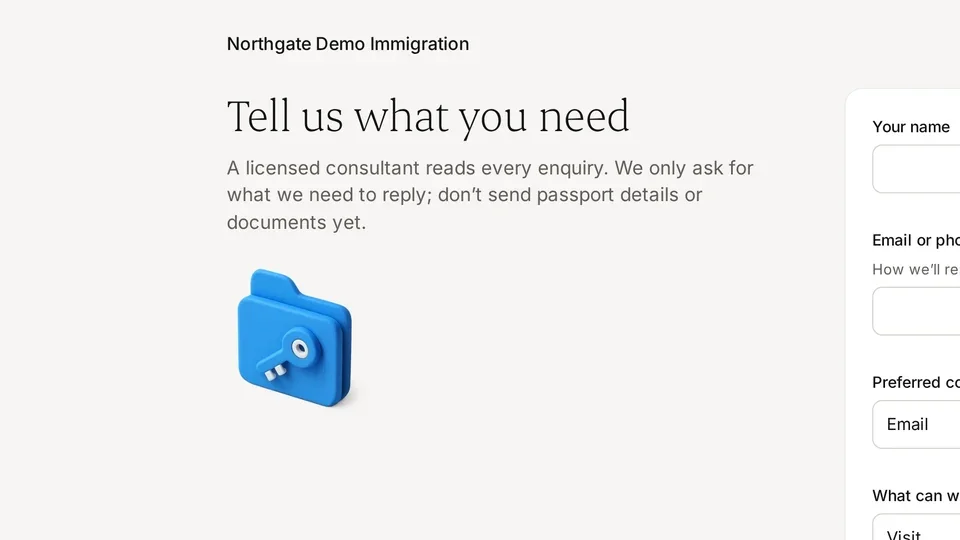 1:20Your public enquiry form10 chapters·1 written guide
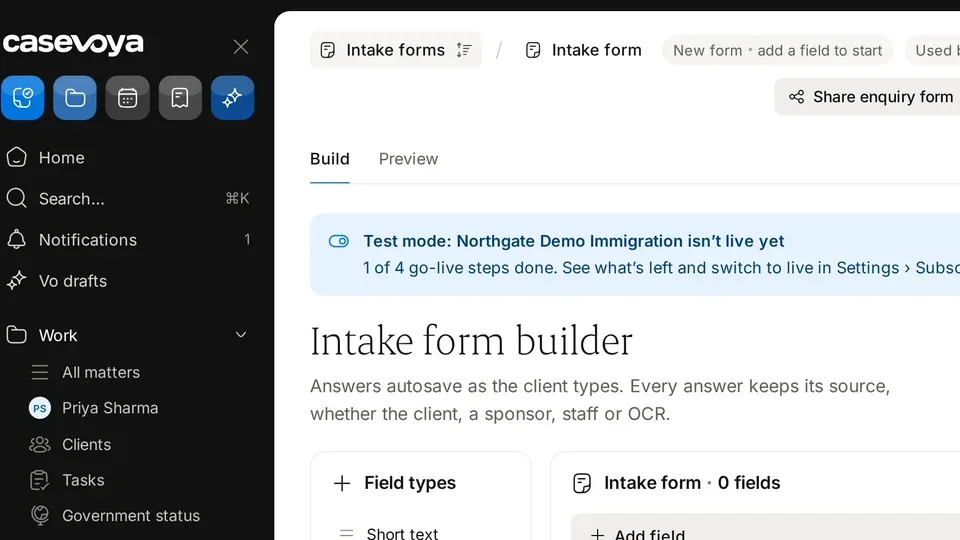 1:24Build an intake form10 chapters·1 written guide
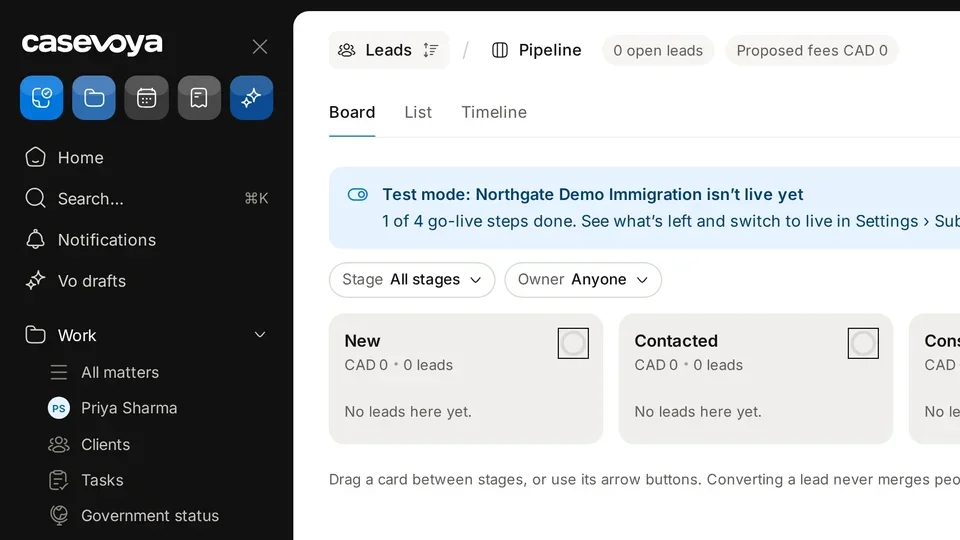 1:24The lead pipeline10 chapters·2 written guides
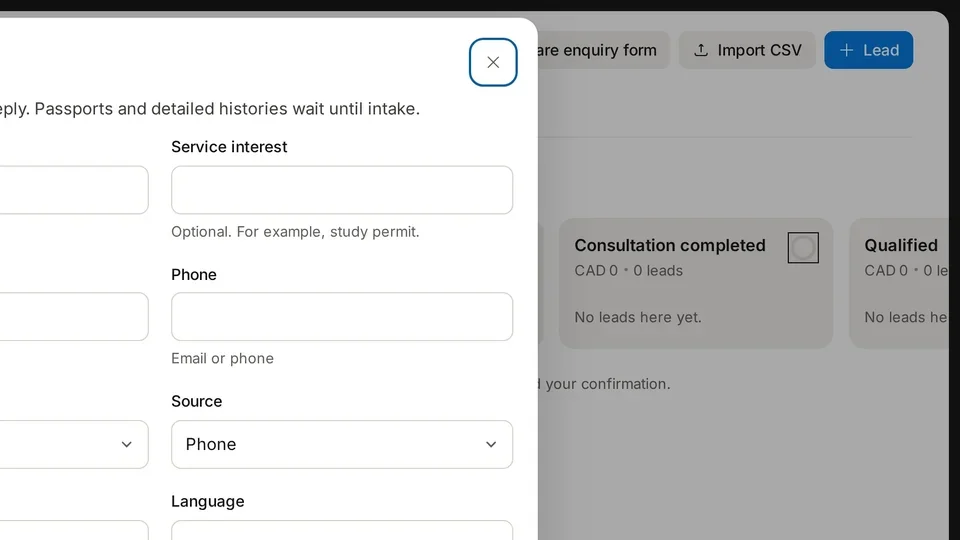 1:11Add a lead10 chapters·1 written guide
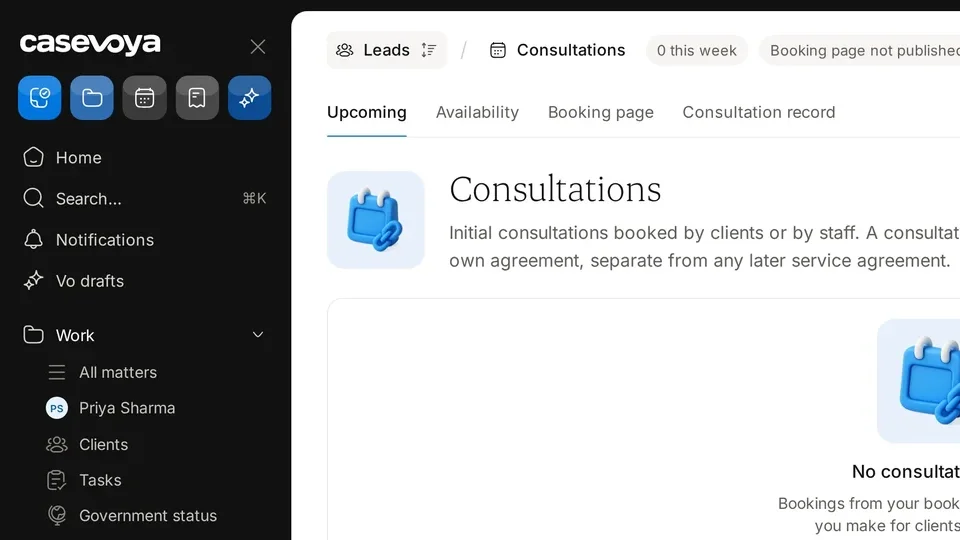 1:19Consultations10 chapters·2 written guides
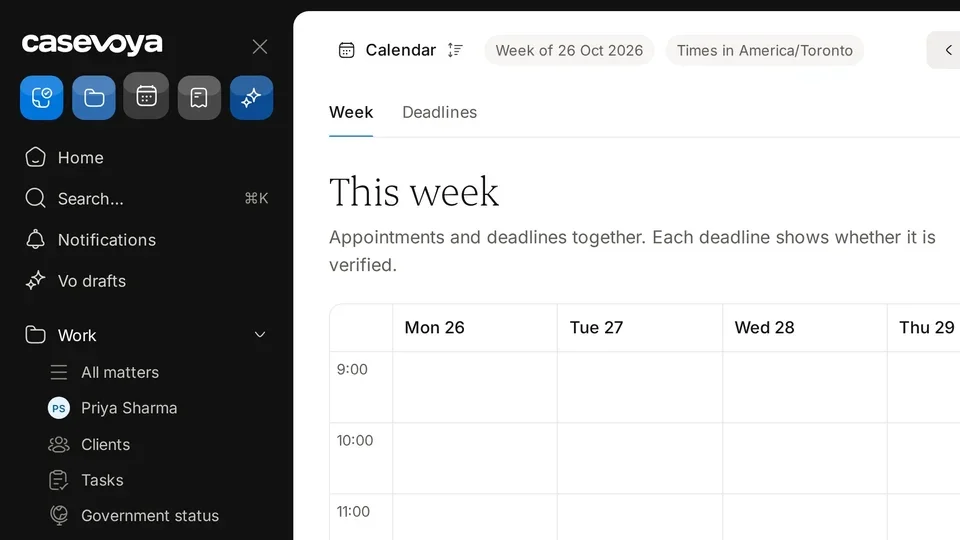 1:14Your calendar10 chapters·1 written guide
Clients and matters
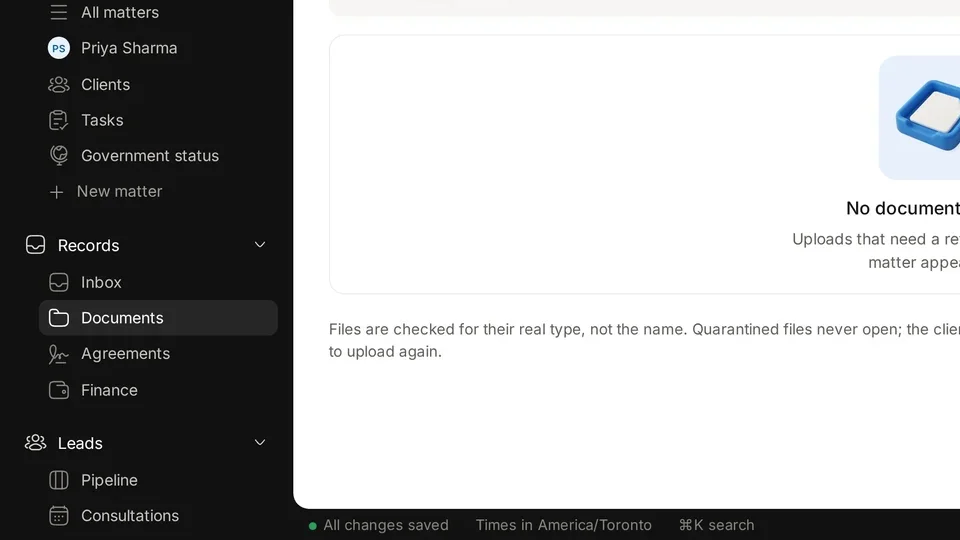
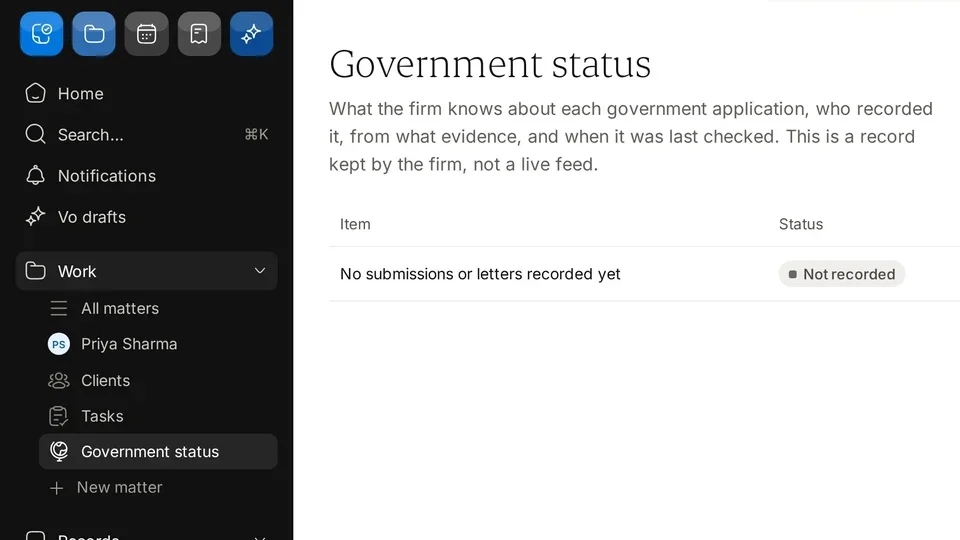
People, files and everything that arrives for them.
Agreements and money
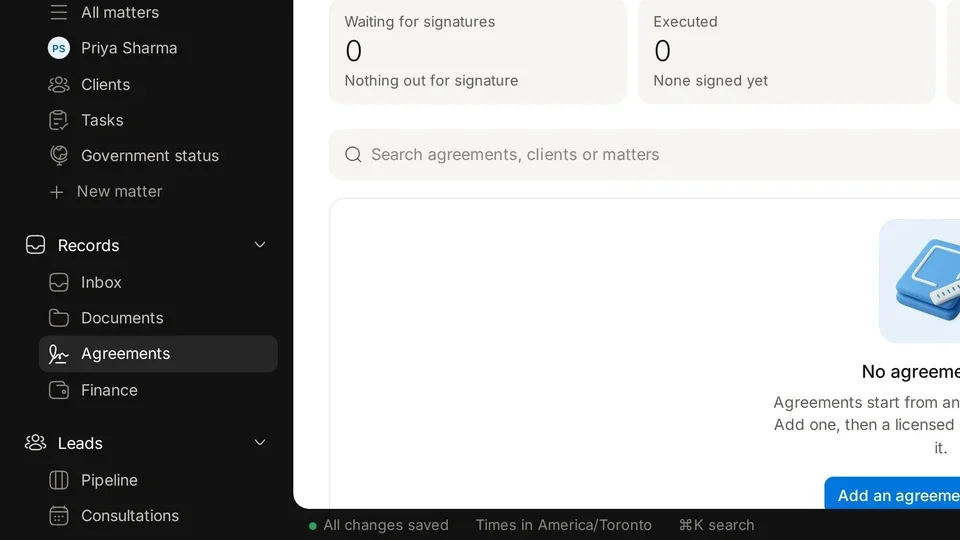
Quote, sign, invoice and keep client money separate.
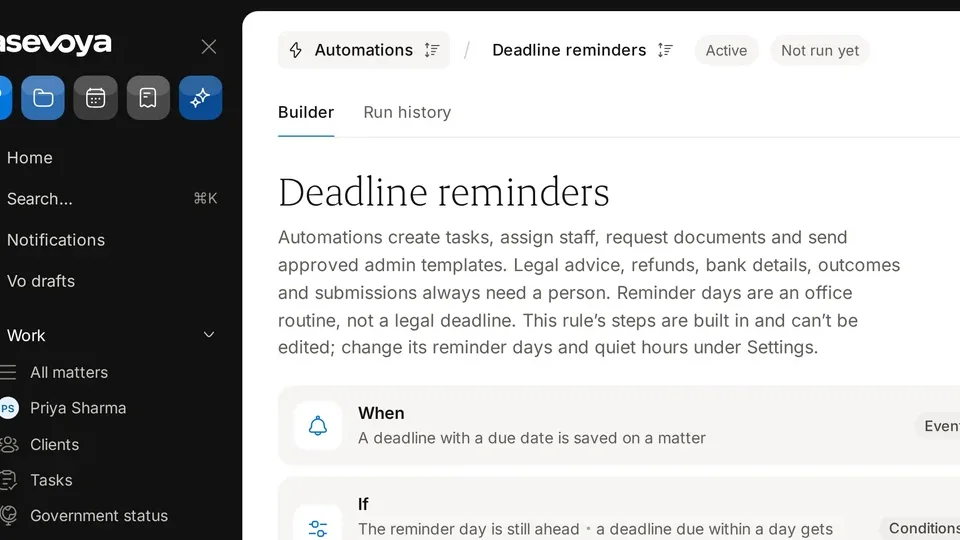
Deadlines and daily work
Know what is due, who owns it and what changed.
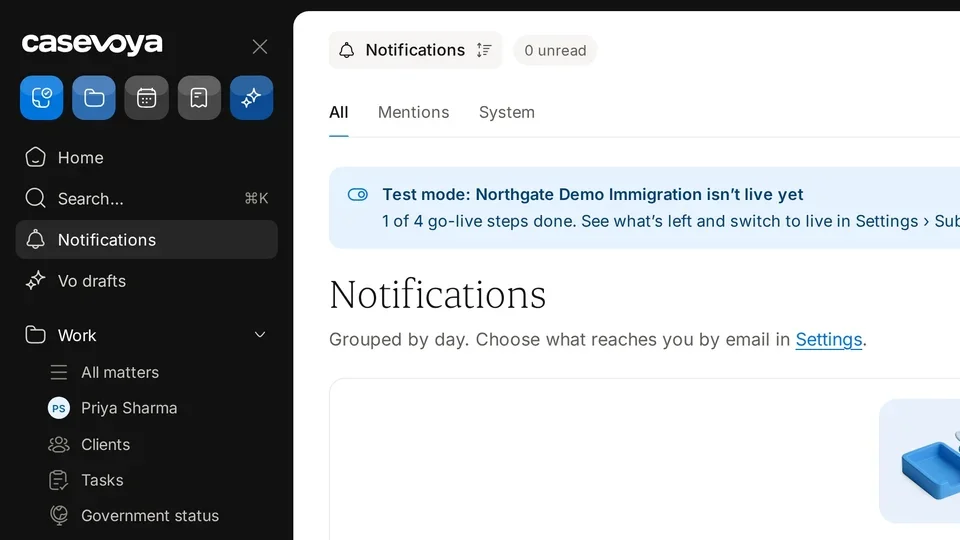
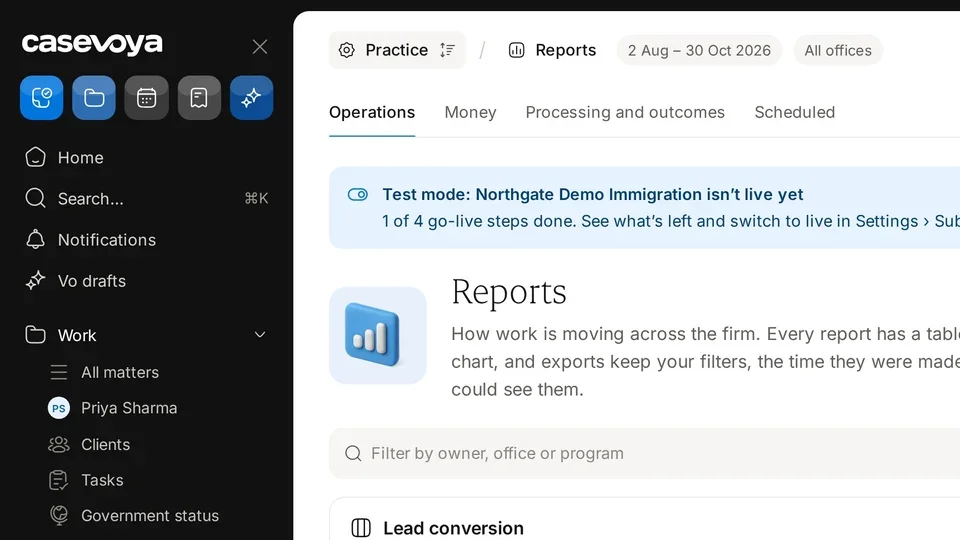
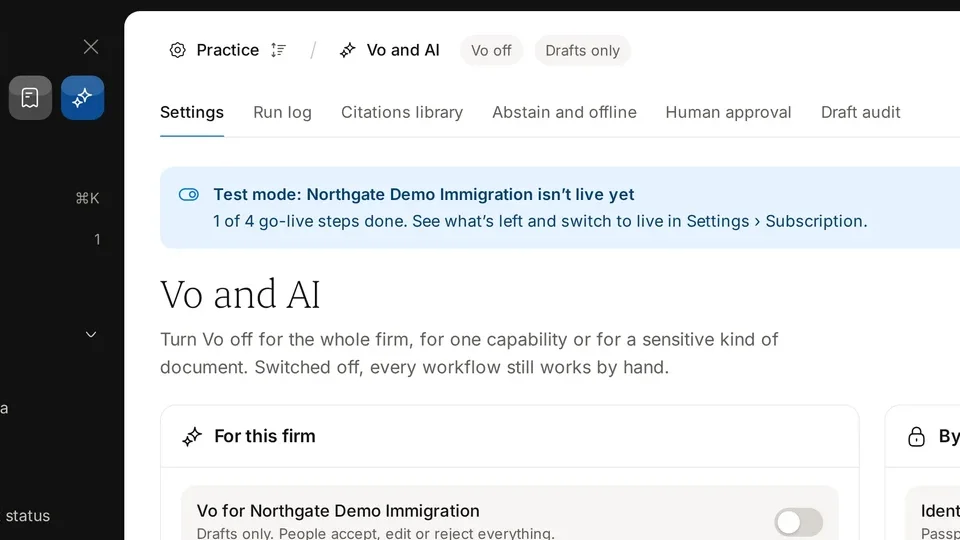
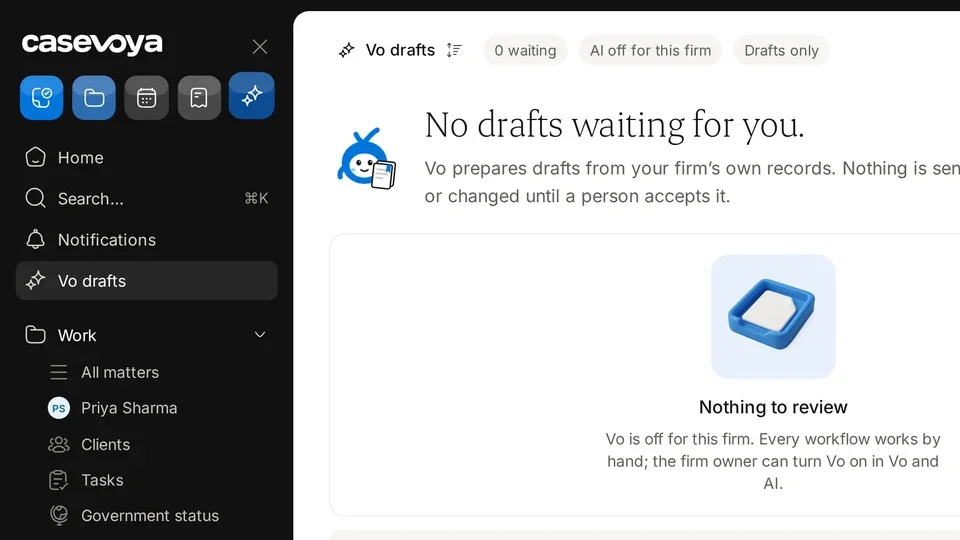
Vo and AI drafts
Optional help that never acts without a person.
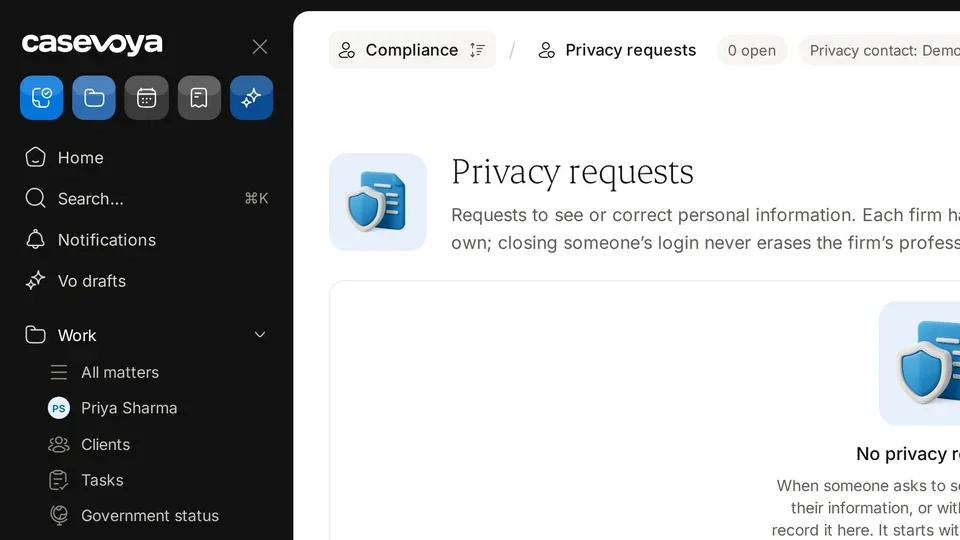
Privacy and compliance
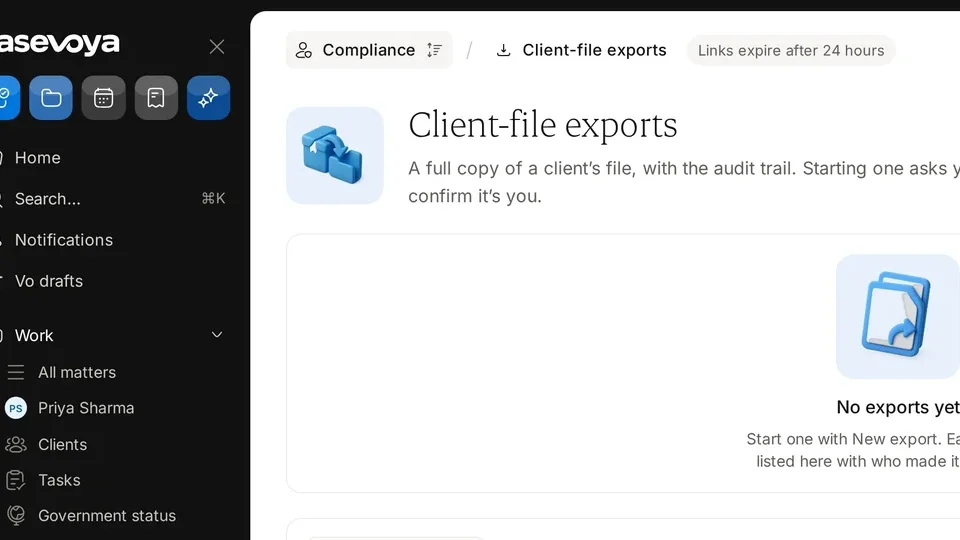
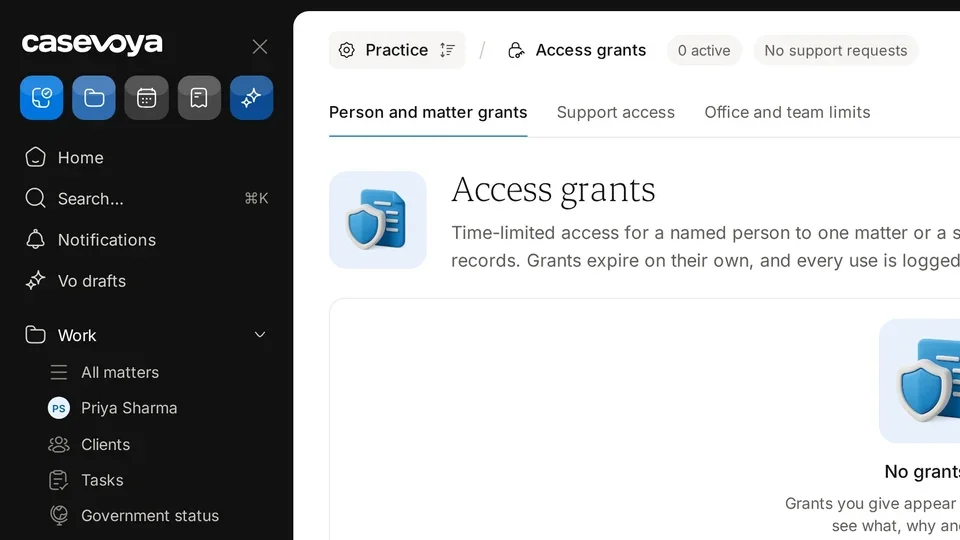
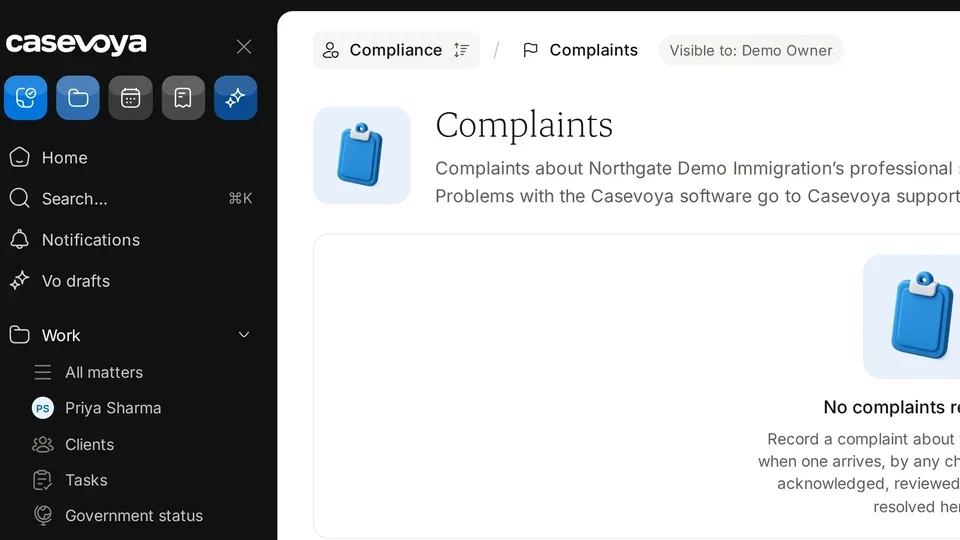
Requests, exports, support access and complaints.
All written guides
Every guide from the original help centre, updated to how Casevoya works today.
- Turn on two-step sign-in Start a trial and turn on two-step sign-in
- Set up your firm workspace Firm settings and branding
- Add your branding, calendar and payment destination Firm settings and branding
- Verify your firm and licence details Licences and CICC checks
- Invite your team and choose roles Invite your staff
- Embed an enquiry form on your website Your public enquiry form
- Record a no-show or a lost reason The lead pipeline
- Add a lead and move it through the pipeline The lead pipeline
- Book, reschedule or cancel a consultation Consultations
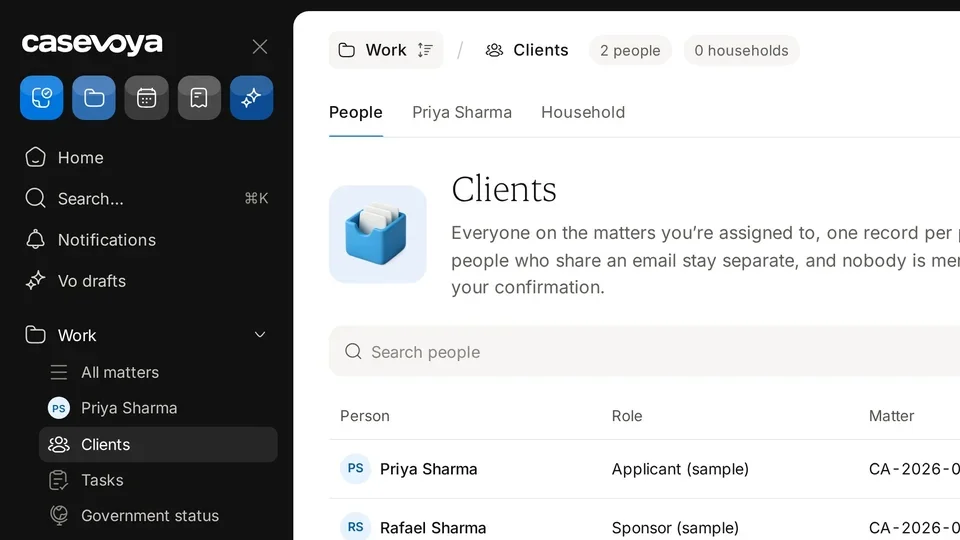
- Invite a client to the portal Clients and the portal
- Add family members and choose what each adult sees Clients and the portal
- What clients see on their home screen Clients and the portal
- Switch the portal between English and French Clients and the portal
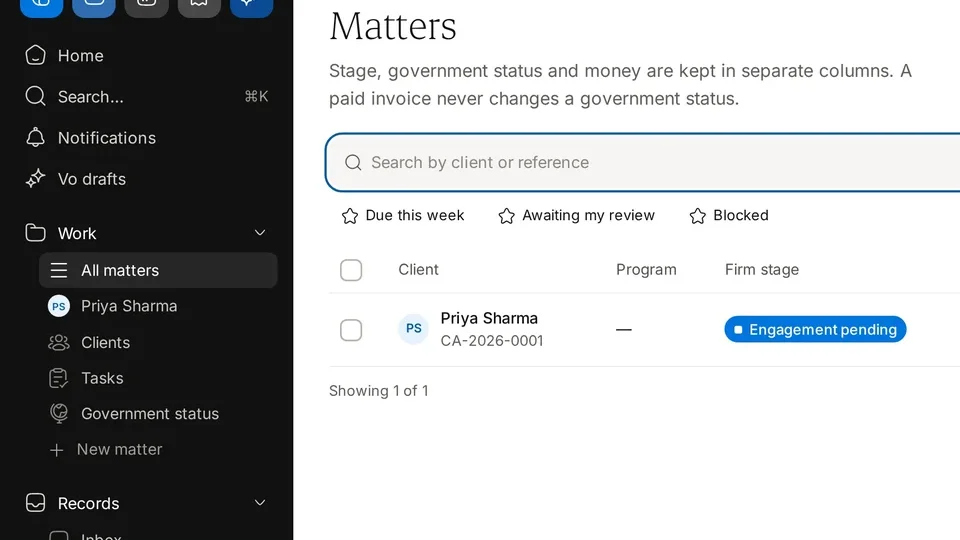
- Close a matter and set retention Matters
- Import email safely from Gmail or Outlook The inbox
- Request documents with a checklist Documents
- Upload documents from a phone camera Documents
- Accept a document or request changes Documents
- Check OCR fields before they become facts Documents
- Record a government letter and create tasks Government status and letters
- Send a service agreement for signature Service agreements and signing
- Set signing order and multiple signers Service agreements and signing
- What happens if signing is temporarily unavailable Service agreements and signing
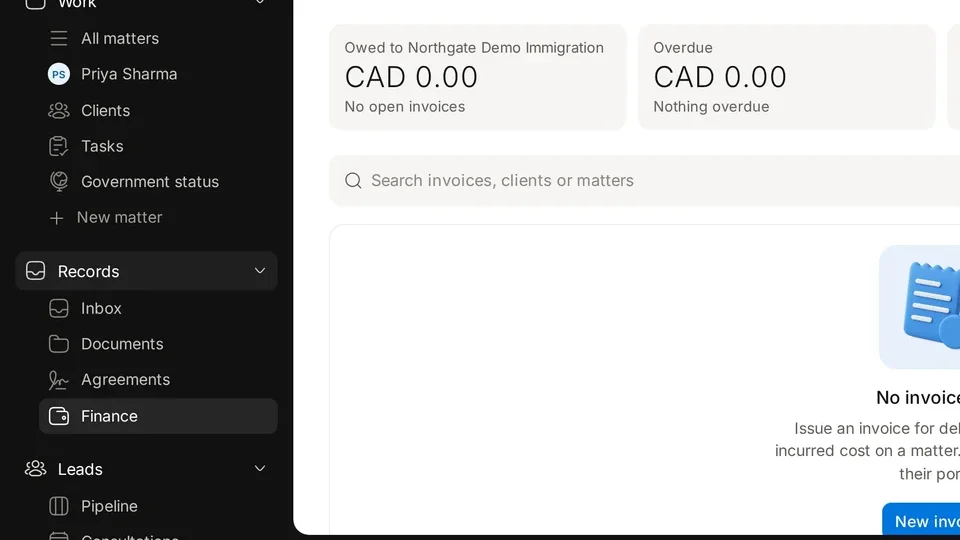
- Issue an invoice Finance, invoices and payments
- Record a manual bank payment Finance, invoices and payments
- Advance payments and the client account Finance, invoices and payments
- Refunds, credits and disputes Finance, invoices and payments
- How proposed reminders work: 14, 7, 3 and 1 days Deadline reminders
- Turn AI drafts on or off for your firm Vo and AI settings
- What AI drafts never do Vo and AI settings
- Accept, edit or reject a draft Review AI drafts
- Respond to a client access request Privacy requests
- Export a complete client file Client-file exports
- Approve or revoke support access Support access grants
Still stuck?
A person on our team reads every message, usually within one business day.