Team queue lets you see everyone's open work in one list and reassign it by choosing a person. Here is a quick tour.
1:15 video·Captions and transcript·1 written guide
01Overview
0:00 / 1:15
Chapters
10
Review and balance team workload
Team queue shows everyone's open work in one list, so you can see capacity and reassign work to the right person.
1
Open Team queue
Select Team queue in the sidebar. The header shows the open and overdue counts.
2
Check capacity
Under Load this week, see hours booked for each person, such as 0 of 40 hours booked.
3
Find work
Type in the Search tasks box. Then filter with All, Overdue, Unassigned, Money or Government.
4
Reassign
Reassign an item by choosing a person. Nothing moves until someone chooses to move it.
Screen by screen
Each frame comes from the walkthrough, with the part being explained outlined. Select a frame to play from that moment.
02Header chips
At the top, chips show 0 open and 0 overdue. Workload covers only 1 person: the Load card lists just Demo Owner, a fictional firm owner.
03Test mode
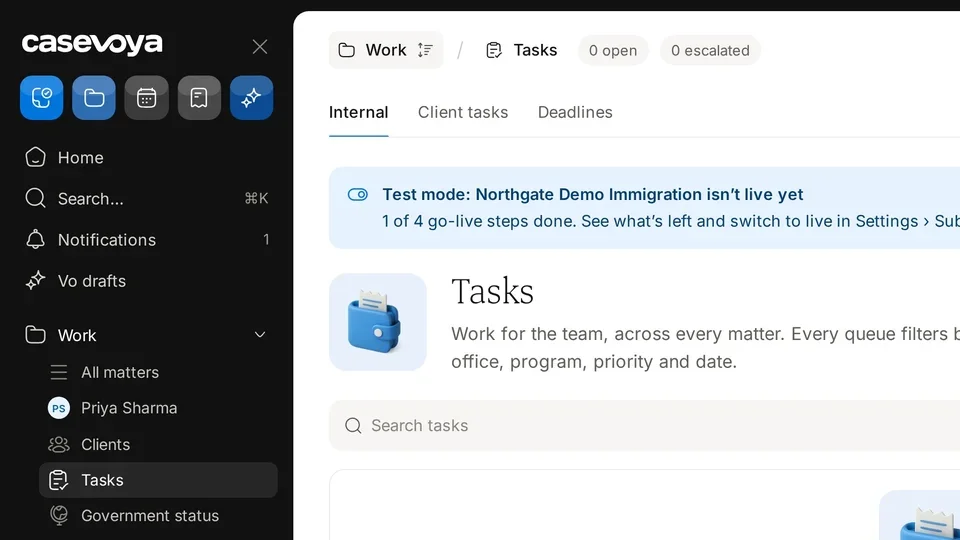
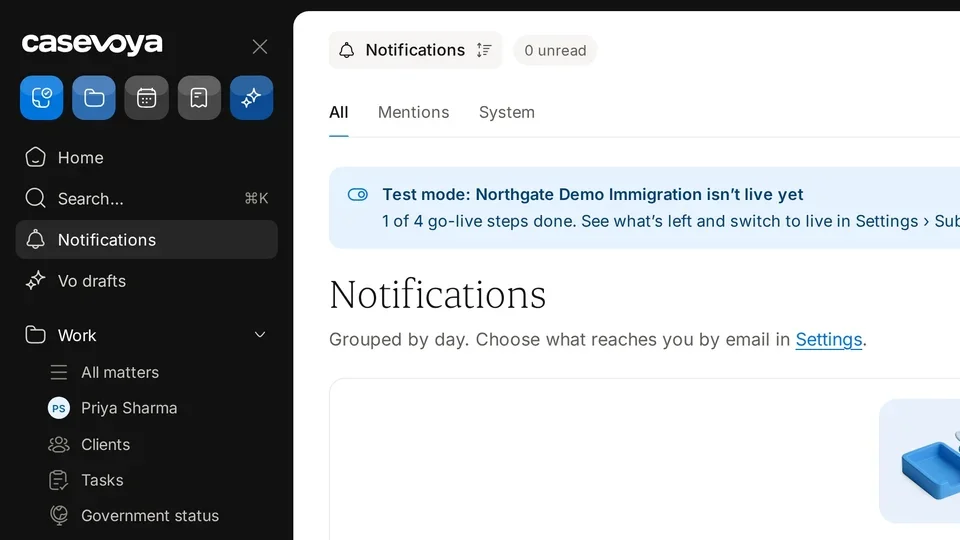
A banner notes that Northgate Demo Immigration is in test mode, with 1 of 4 go-live steps done. See what's left shows the rest, and you switch to live in Settings, Subscription.
04The rule
The description sets the rule: reassign by choosing a person, and nothing moves unless someone chooses to move it.
05Load this week
Load this week shows capacity. Demo Owner, the firm owner, has 0 of 40 hours booked.
06Search tasks
To find something specific, type in the Search tasks box.
07Filter chips
Then narrow the list with the chips: All, Overdue, Unassigned, Money, and Government.
08Empty state
Nothing is waiting right now. Open tasks, documents to review, deadlines to verify and money to approve appear here.
09Footer
At the bottom, All changes saved confirms your work, and times are in America/Toronto.
10Recap
So: check the header chips, note test mode, read the weekly load, search and filter tasks, and watch for waiting work. Next: Tasks.
Overview. Team queue lets you see everyone's open work in one list and reassign it by choosing a person. Here is a quick tour.
Header chips. At the top, chips show 0 open and 0 overdue. Workload covers only 1 person: the Load card lists just Demo Owner, a fictional firm owner.
Test mode. A banner notes that Northgate Demo Immigration is in test mode, with 1 of 4 go-live steps done. See what's left shows the rest, and you switch to live in Settings, Subscription.
The rule. The description sets the rule: reassign by choosing a person, and nothing moves unless someone chooses to move it.
Load this week. Load this week shows capacity. Demo Owner, the firm owner, has 0 of 40 hours booked.
Search tasks. To find something specific, type in the Search tasks box.
Filter chips. Then narrow the list with the chips: All, Overdue, Unassigned, Money, and Government.
Empty state. Nothing is waiting right now. Open tasks, documents to review, deadlines to verify and money to approve appear here.
Footer. At the bottom, All changes saved confirms your work, and times are in America/Toronto.
Recap. So: check the header chips, note test mode, read the weekly load, search and filter tasks, and watch for waiting work. Next: Tasks.
 Casevoya