 Casevoya
Set up your firm workspace
Create the workspace your team and clients will use, then prove it works with a sample case before inviting anyone real.
- 1
Start a trial
Enter your name, work email and firm name, then your CICC licence number and class, and a password. No card is needed for the 14-day trial.
- 2
Confirm your email
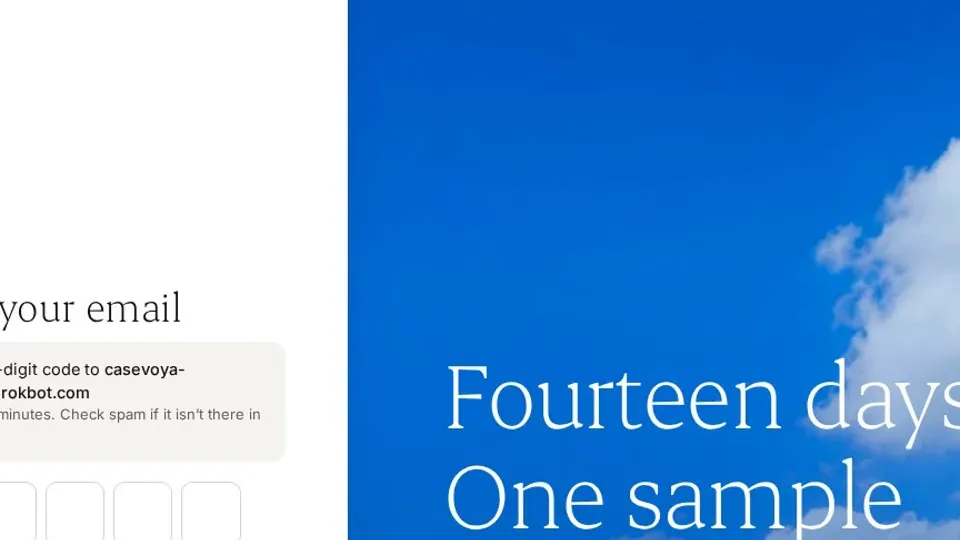
Casevoya emails a six-digit code that works for 15 minutes. Type it in to confirm your address.
- 3
Choose how to start
Explore with sample data gives you a fictional firm with one sponsorship case. Pilot with real clients is for live work. You can switch later.
- 4
Turn on two-step sign-in
Scan the code with your authenticator app, enter the six-digit code and save your recovery codes. Every staff account needs it.
- 5
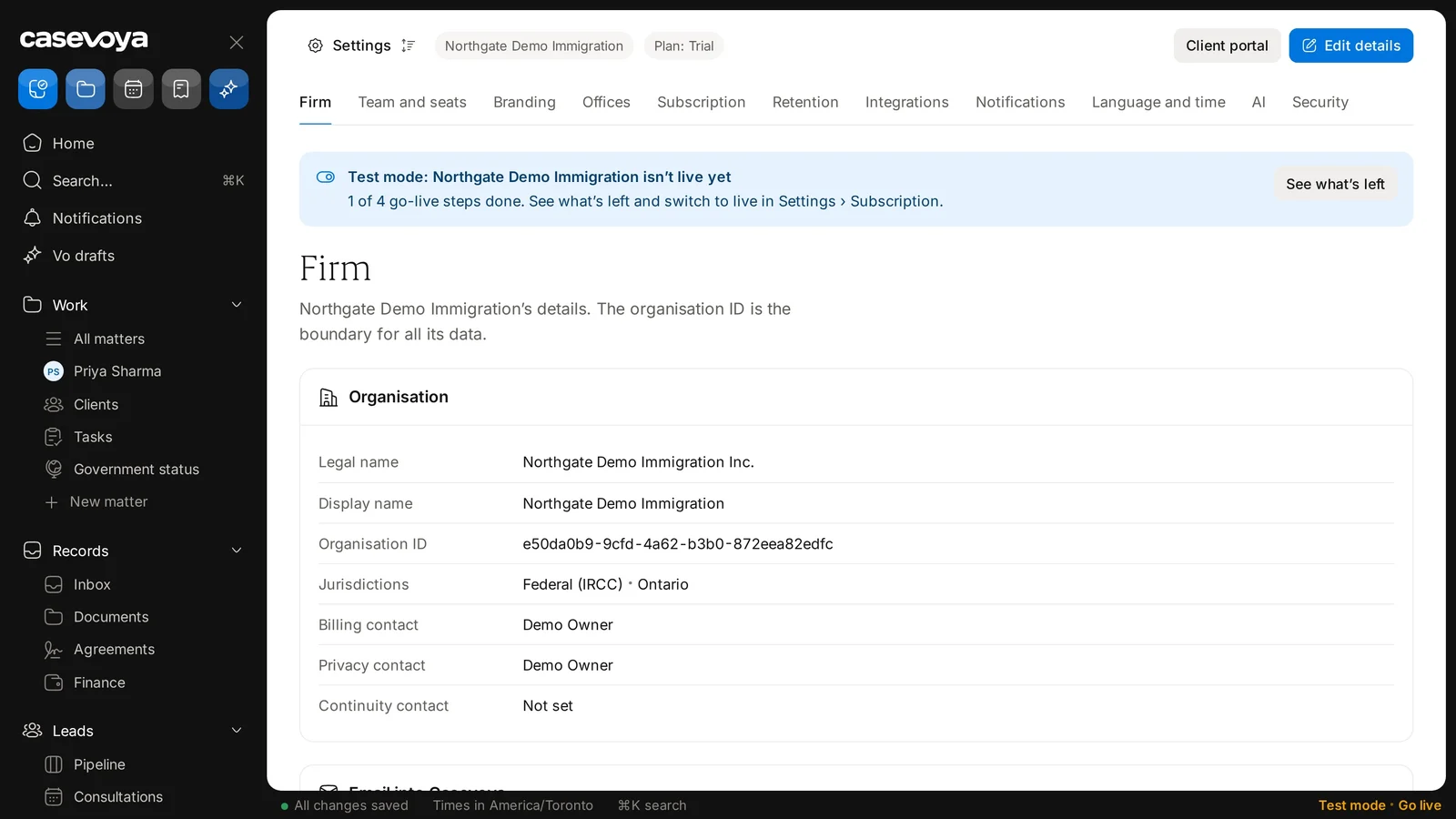
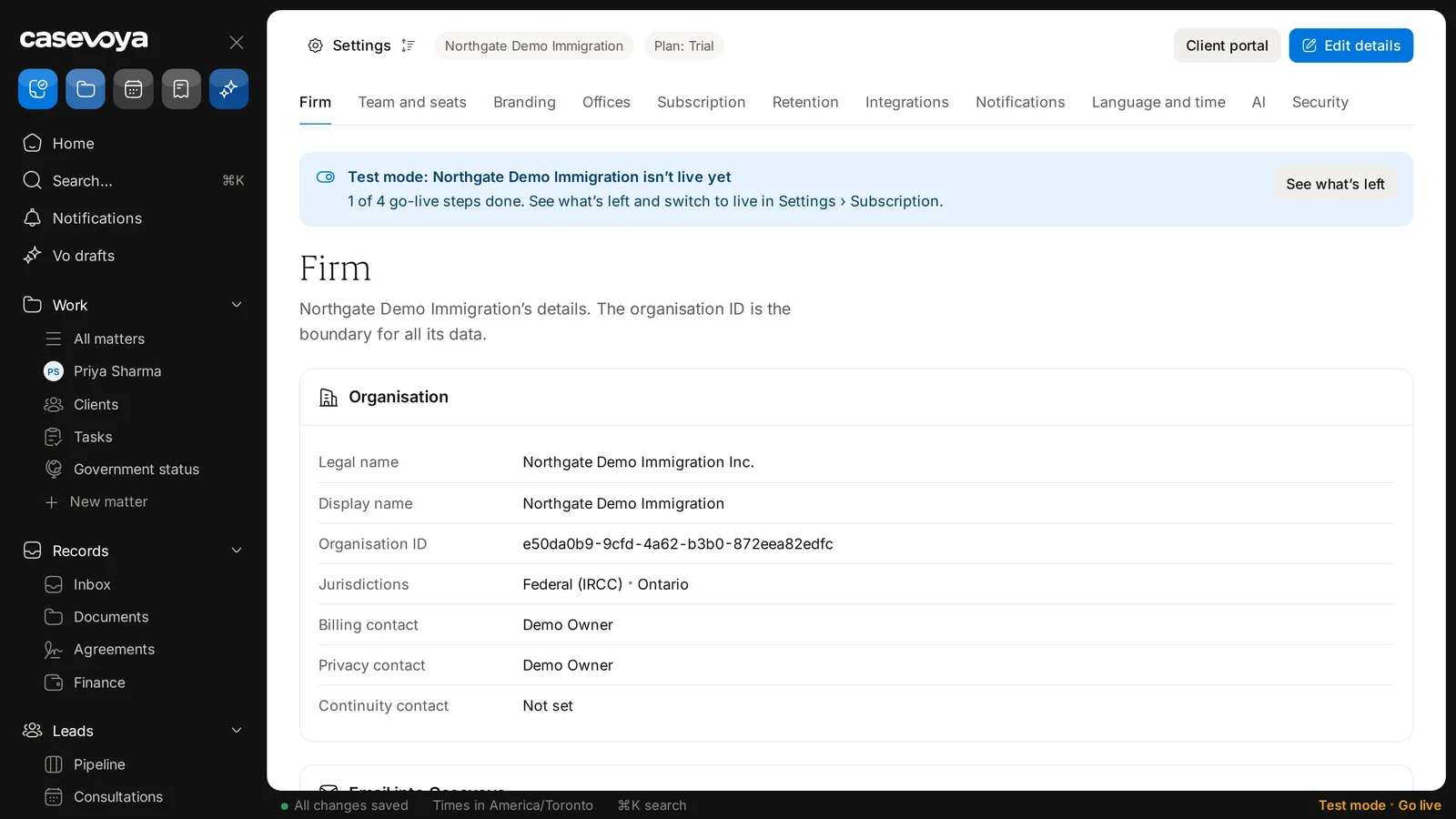
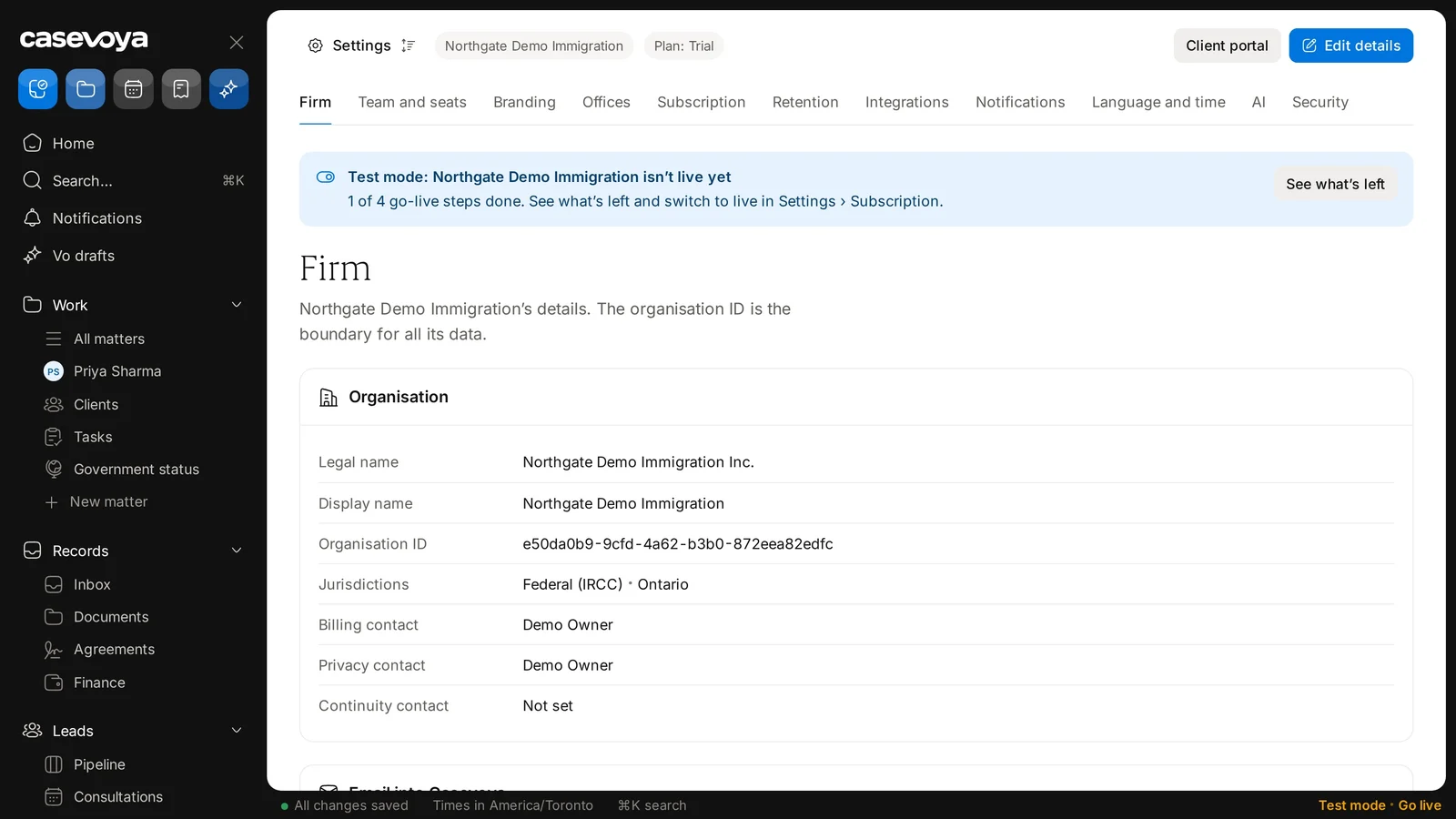
Confirm your firm details
Check your firm’s details. You can finish the rest later in Settings.
- 6
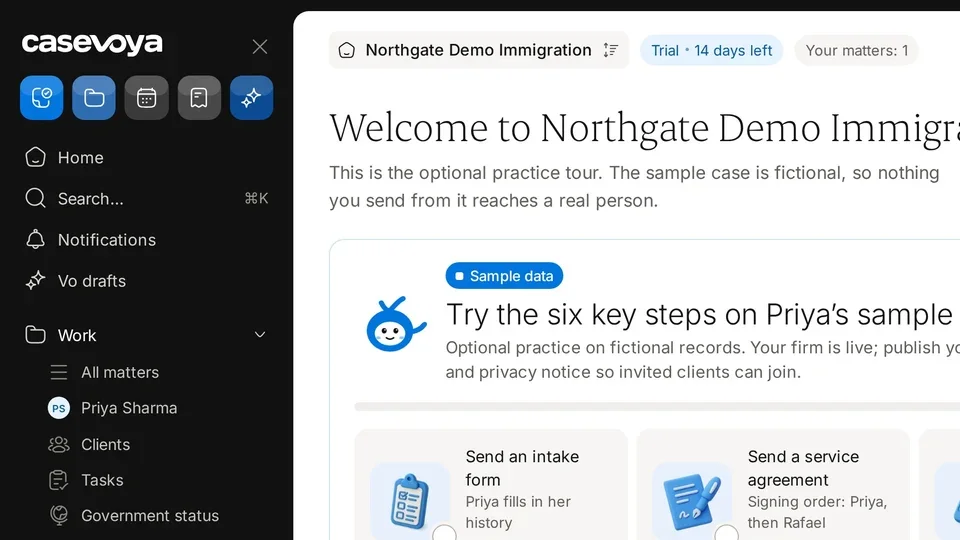
Practise on the sample case
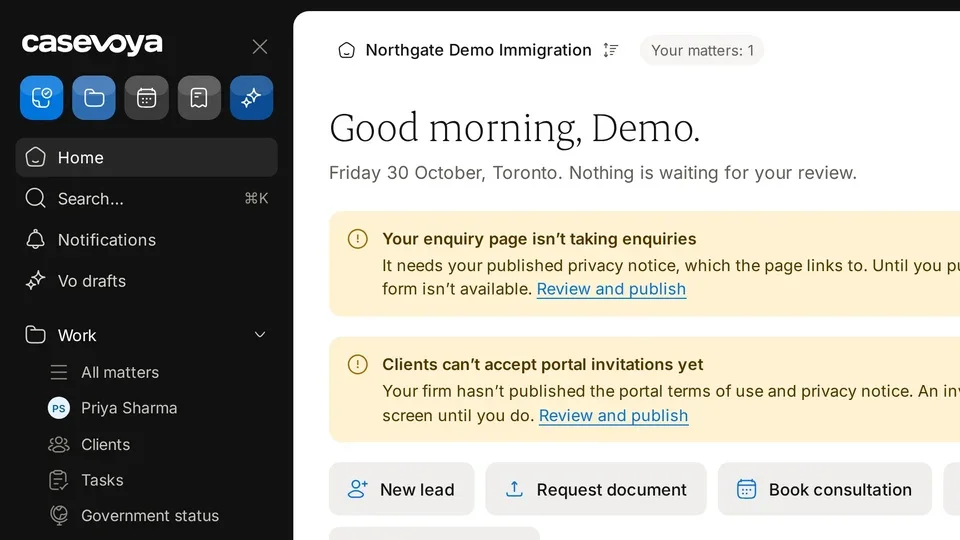
Your dashboard opens with first steps to try on the fictional sample case, Priya Sharma. Nothing you send from it reaches a real person.