 Casevoya
Export a complete client file
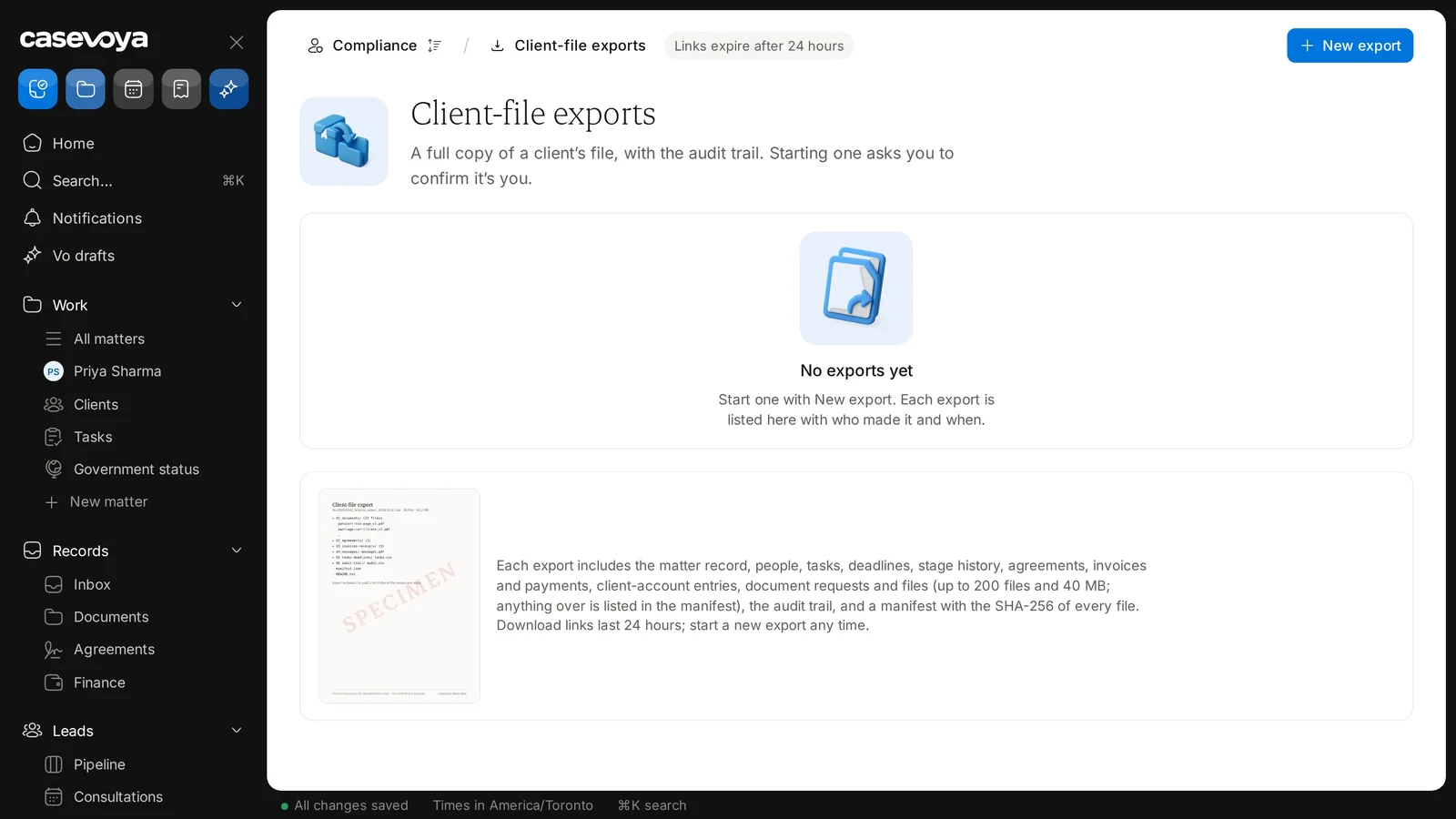
Export a full copy of a matter: the matter record, people, tasks, deadlines, stage history, agreements, invoices and payments, client-account entries, document requests and files, and the audit trail.
- 1
Open Client-file exports
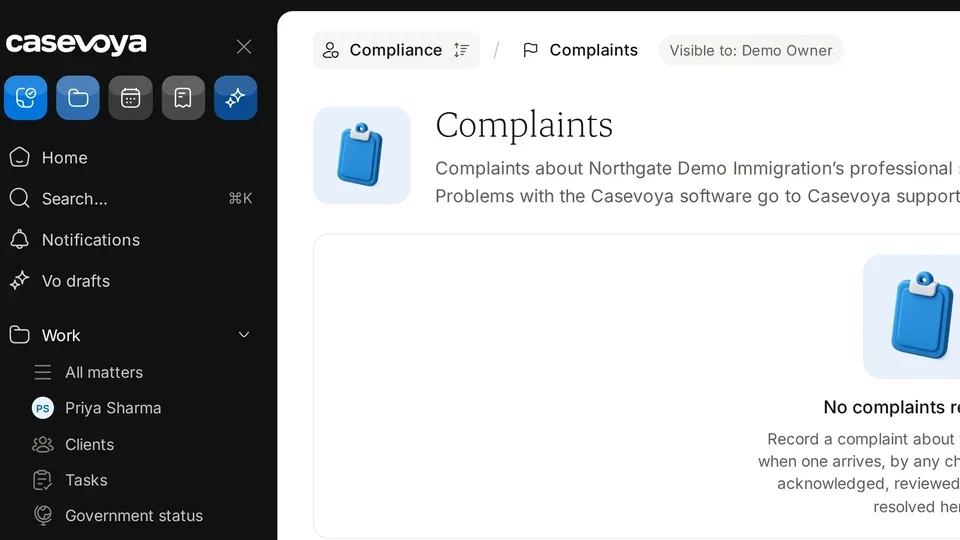
In the left sidebar, go to Compliance › Client-file exports and select New export.
- 2
Confirm it’s you
Starting an export always asks you to confirm it’s you.
- 3
Watch the progress
The export runs in the background. You can leave the page and cancel at any time.
- 4
Download
You get a notice when it’s ready. Download links last 24 hours, and the download is logged. Each export is listed with who made it and when.