 Casevoya
Invite your team and choose roles
Invite staff by email and give each person only the access their job needs. Clients and family members never take up staff seats.
- 1
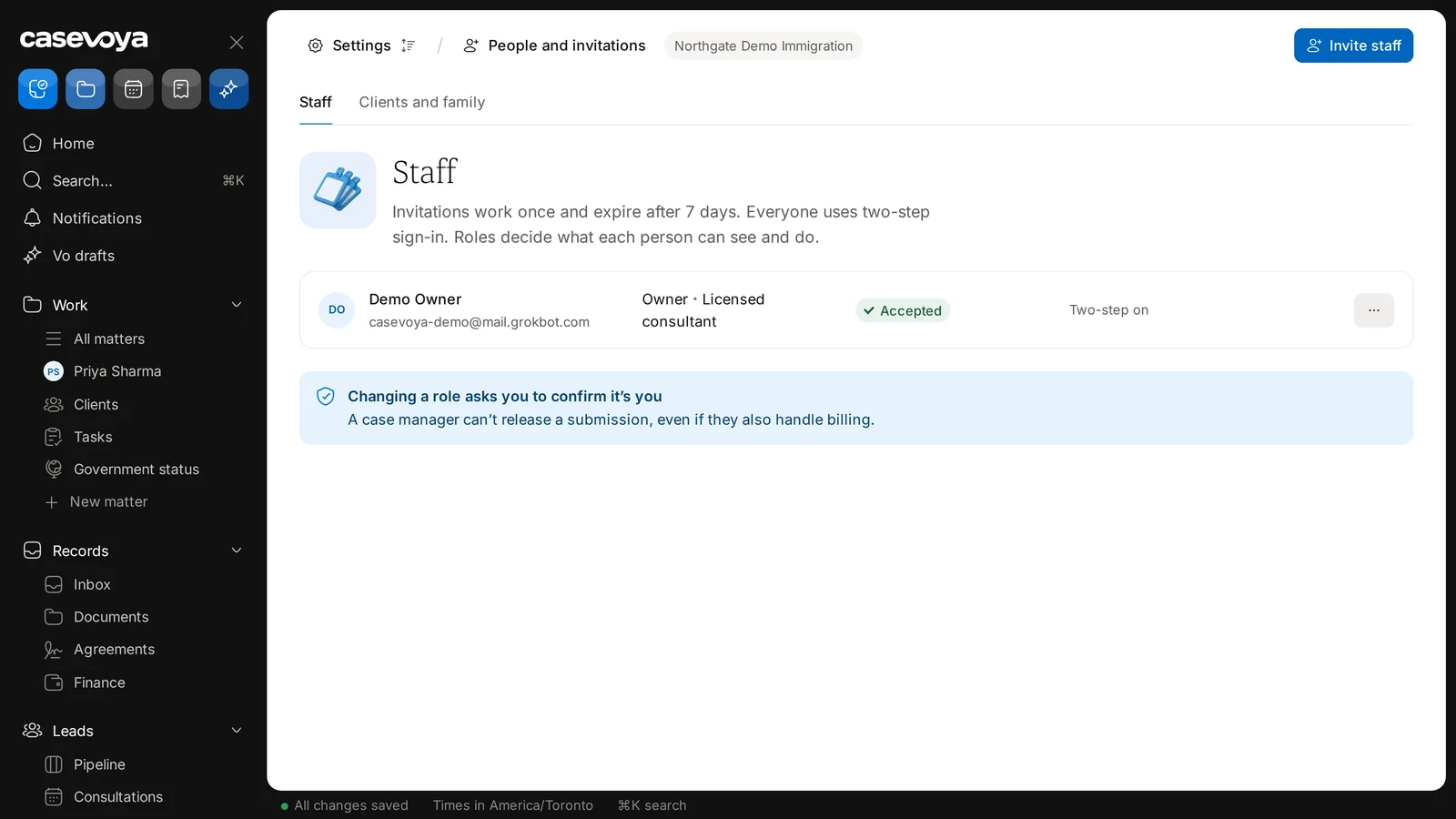
Open People and invitations
In the sidebar, under Practice, choose People and invitations. On the Staff tab, select Invite staff.
- 2
Add their email and a role
Owner, licensed consultant, case manager, finance or reception. You can narrow access further by office or team.
- 3
Send the invitation
It works once and expires after 7 days. If it expires, send a new one.
- 4
They accept and set up two-step sign-in
Until they do, they can’t open any client record.
- 5
Check the record
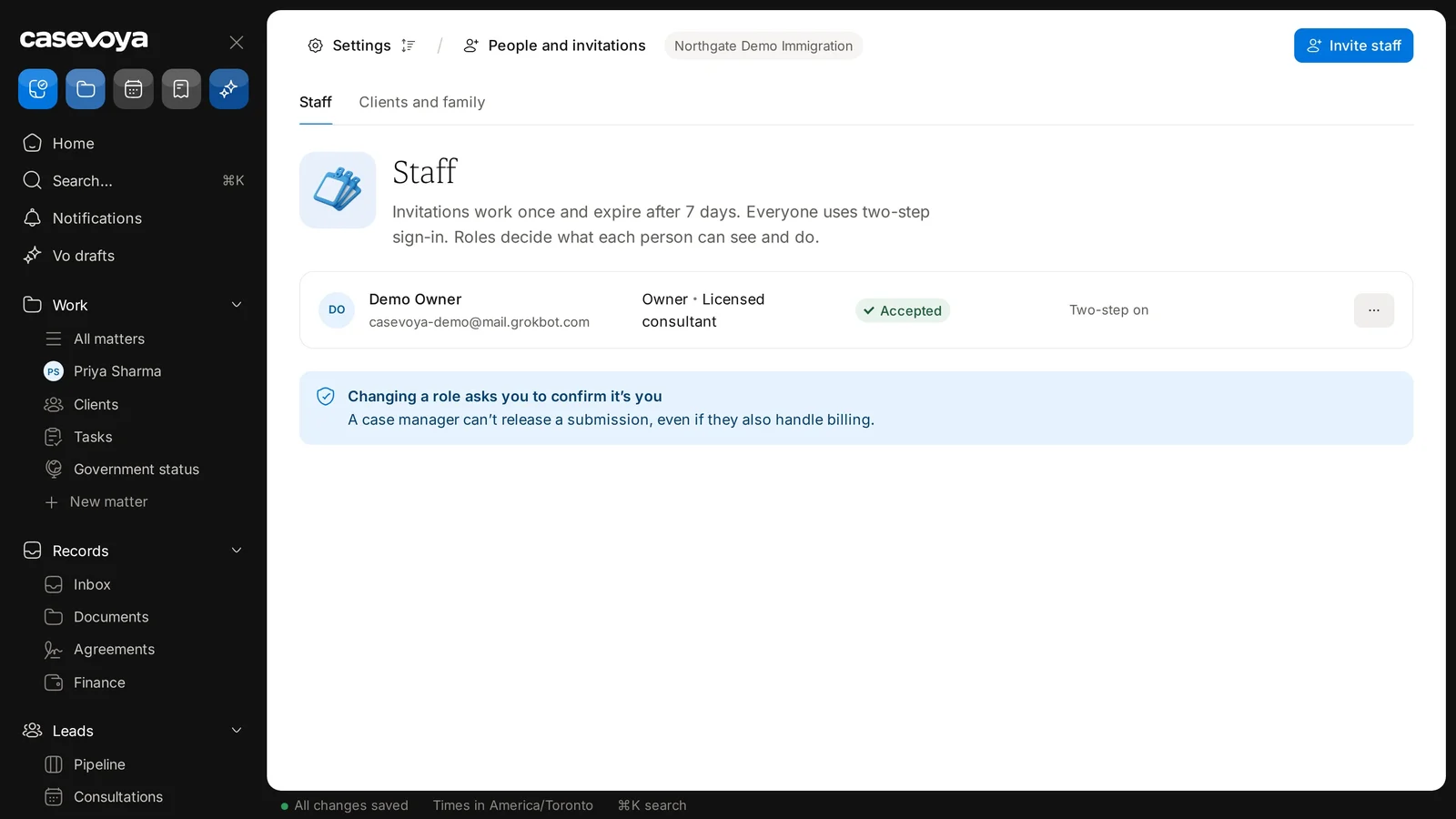
Each invitation shows its status, such as Accepted, and whether Two-step is on. Changes are kept in the firm’s audit log.