 Casevoya
Practise key steps on the sample case
The welcome page lets you try six core Casevoya tasks on Priya's fictional sample case, so you can learn the workflow before inviting real clients.
- 1
Check the header
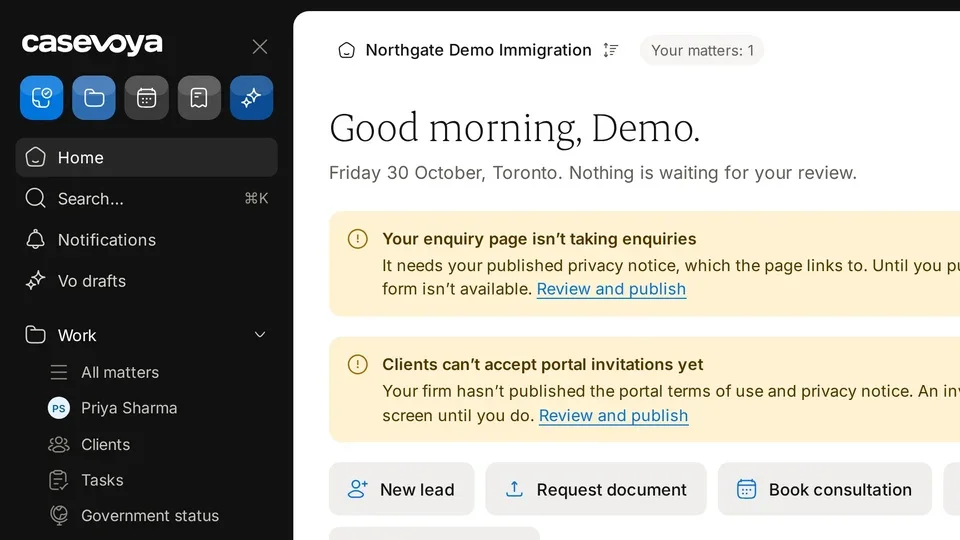
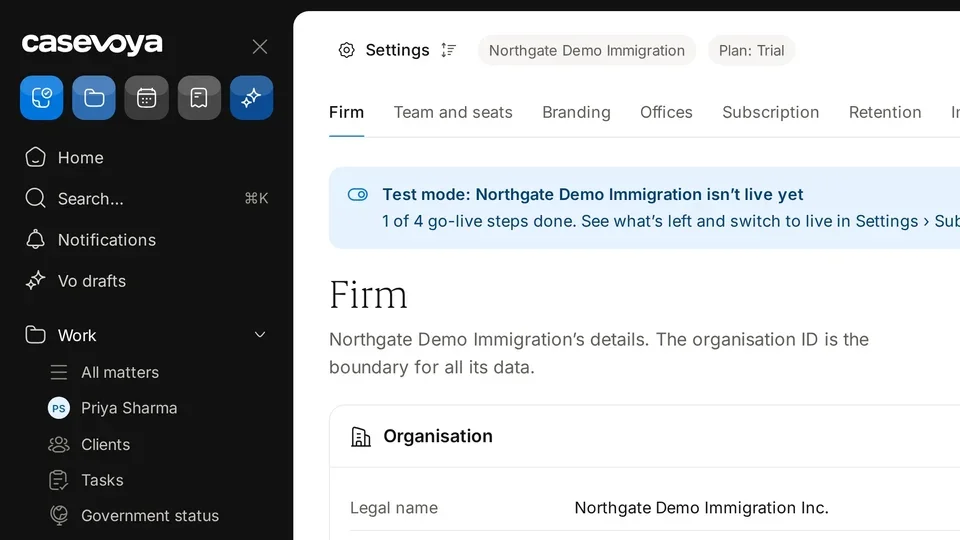
Confirm your firm name, the Trial chip with days left, and Your matters: 1. Search and New sit on the right.
- 2
Read the welcome note
The note confirms this is an optional practice tour. Nothing you send from the sample case reaches a real person.
- 3
Try the first three steps
In the first row, select Try it on Send an intake form, Send a service agreement, and Request and review an upload.
- 4
Try the remaining steps
In the second row, select Try it on Schedule a reminder, Issue an invoice, and Export the file. The counter shows how many of the 6 are done.
- 5
Publish terms, then invite
Publish your portal terms and privacy notice. Invite a real client stays unavailable until you do.