 Casevoya
Verify your firm and licence details
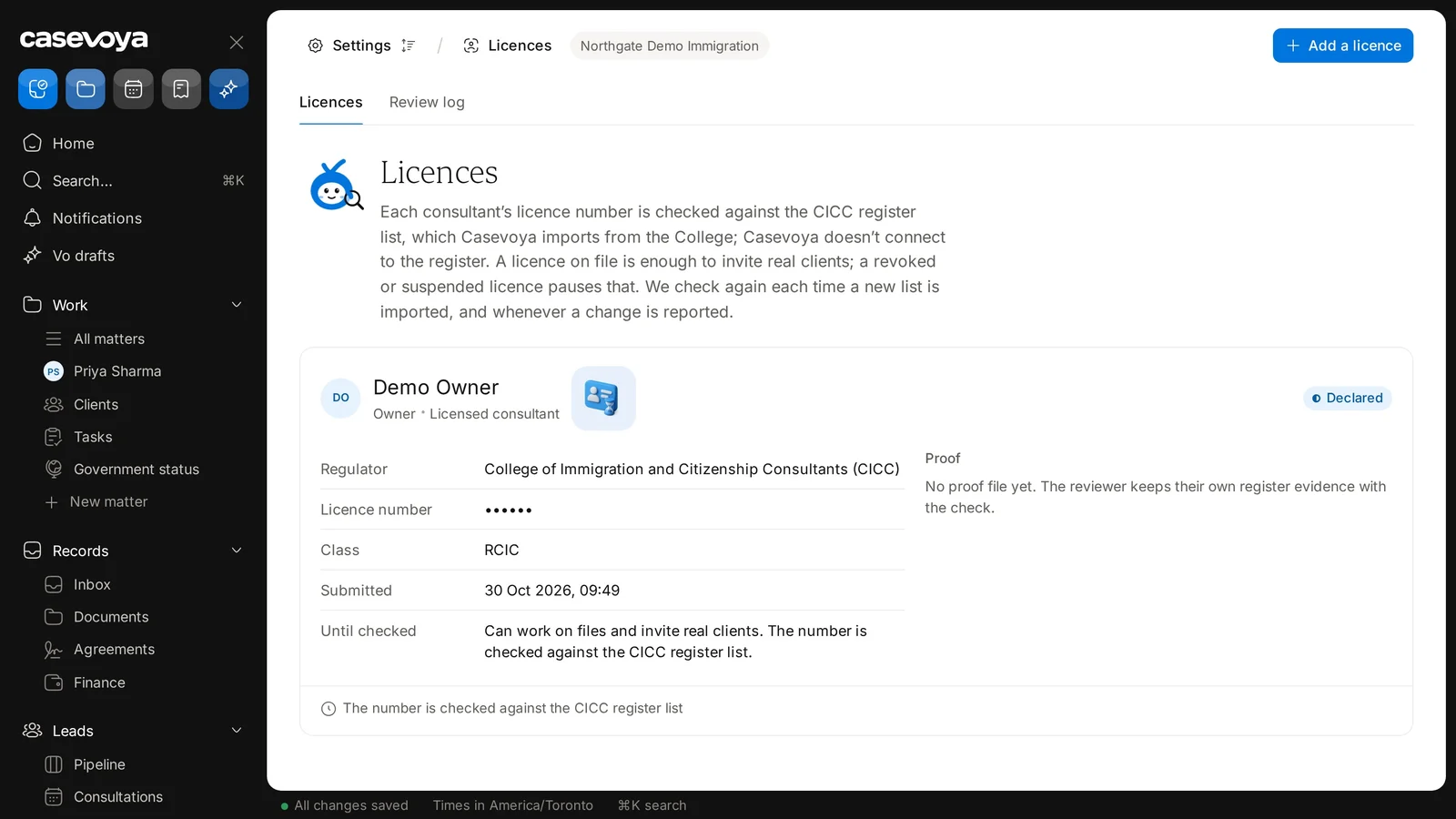
Each consultant’s licence number is checked against the CICC register list. A licence on file is enough to invite real clients, and a revoked or suspended licence pauses that. Casevoya records credentials separately from logins, so a person’s account and their licence are never the same thing.
- 1
Open Licences
In the sidebar, under Practice, choose Licences, then Add a licence at the top right.
- 2
Enter the credential
Regulator, Licence number, Class (for example, RCIC), and the date of the last check.
- 3
Attach evidence
Under Proof, upload a screenshot or letter from the regulator’s public register, with the date you checked it.
- 4
Wait for the check
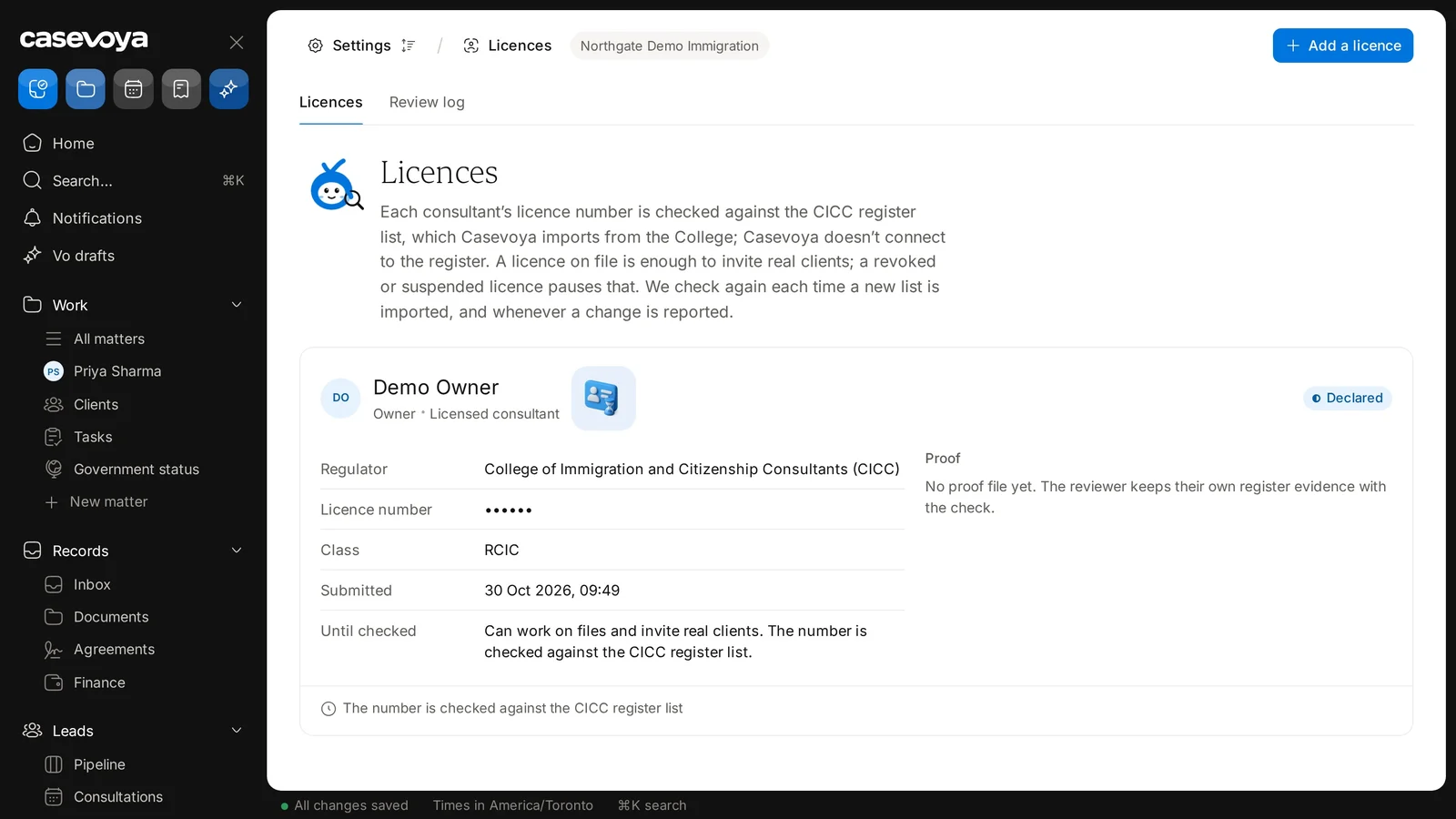
The licence shows as Declared, with its Submitted date, until it’s checked. The number is checked against the CICC register list, which Casevoya imports from the College. Someone with the owner role confirms it, and the consultant can’t verify their own licence. Past checks appear on the Review log tab.
- 5
Set a review date
We remind you before it’s due, so a lapsed licence doesn’t surprise you.